ElevenLabs v4 shipped on 28 September 2026 as two models: Eleven v4 (eleven_v4) for produced audio and Eleven v4 Turbo (eleven_v4_turbo) for real-time work. Both cover 90+ languages, both take inline audio tags, and both drop the old Style and Speed sliders and SSML. My short verdict: it is the model to test first for narration, dialogue and voice agents, but your script now does most of the directing. The settings panel does very little of it.
I went through what ElevenLabs published on v4, from the models overview to the prompting guide and WebSocket reference, plus the early third-party guides. Short review first. Then the part I care about: output that sounds directed rather than generated.
ElevenLabs v4 in brief: what changed
ElevenLabs calls Eleven v4 “the first in a new generation of models,” built on an entirely new architecture. The Eleven v4 page claims gains over v3 in quality, voice accuracy, consistency, emotion, audio tags and language coverage. The practical changes:
- Languages: 90+ for both variants, up from 70+ on Eleven v3. Turkish is on the list. TechCrunch reports ElevenLabs saw the biggest quality jump in Japanese, Brazilian Portuguese, Mandarin and Cantonese.
- Length: 10,000 characters per request on
eleven_v4, roughly ten minutes of audio. Eleven v3 stopped at 5,000. - Cloning: Professional Voice Clones are fully supported again (the docs say PVCs were not fully optimized for v3). The launch post says Instant Voice Clones can reach high fidelity from 10 seconds of audio.
- Controls: only two voice settings, Stability and Similarity. No Style slider, no Speed slider, no SSML, no
<break>tags. - Direction: audio tags like
[whispers]or[sighs]are followed “more accurately than prior models,” and IPA pronunciation is more reliable. - Accents: a voice speaking a language other than its source language now gets a native accent in that language. This one will surprise people.
The vendor claims: #1 on the Artificial Analysis voice arena, and preferred by about 75% of listeners in blind head-to-head tests against Cartesia Sonic 3.6, Inworld TTS-2 and two Gemini 3.8 TTS models. Those are ElevenLabs’ numbers from its launch post, so read them as a starting point.
Pricing: the API page lists v4 at $0.08 per 1,000 characters and v4 Turbo at $0.04, with a 72% launch discount (to $0.022 and $0.011) until 12 October. If you planned a big comparison test, this is the cheap window.
One more thing ElevenLabs says openly: v4 “may sound substantially different from Eleven v3,” and the model is still being trained after launch, so behavior can shift. Plan to re-test.
Eleven v4 vs v4 Turbo: which one to pick
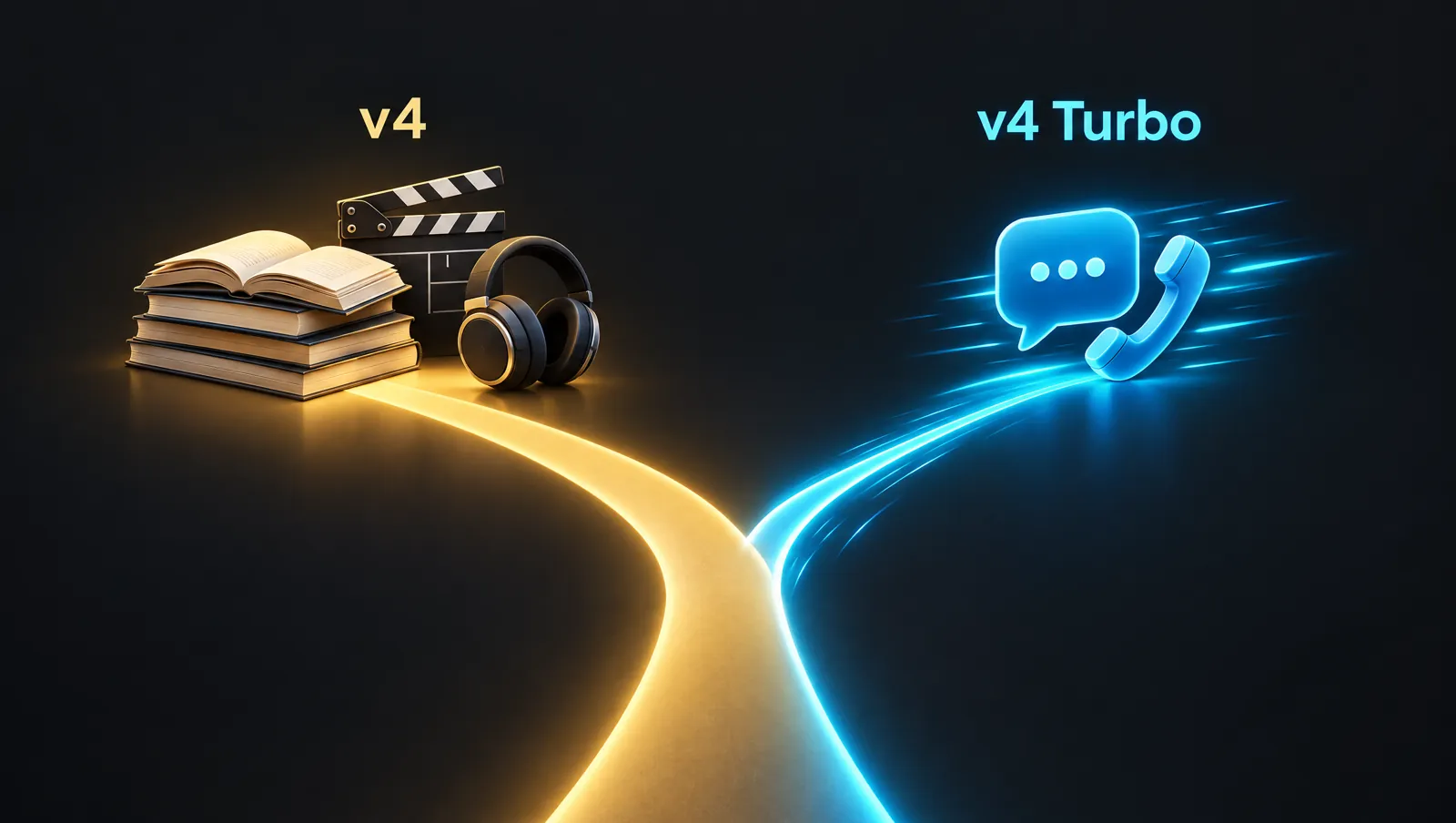
Here is the split as the docs describe it, from the Eleven v4 and Eleven v4 Turbo sections of the models overview and the WebSocket guide:
| Eleven v4 | Eleven v4 Turbo | |
|---|---|---|
| Model ID | eleven_v4 |
eleven_v4_turbo |
| Built for | Audiobooks, character voiceovers, dialogue, content | Voice agents, assistants, interactive characters |
| Latency | Not quoted | ~100 ms median inference, ~150 ms median time to first speech |
| How you call it | Create/Stream speech, Create/Stream dialogue | Text to Dialogue WebSocket |
| Voices per WebSocket | Up to 10 | One |
| List price (API) | $0.08 per 1K chars | $0.04 per 1K chars |
Two caveats. First, latency: the ~100 ms figure excludes application and network latency. The ~150 ms time to first speech comes from ElevenLabs’ own test over WebSocket streaming with network latency removed. Your users will hear more than that once your LLM, your server and their connection are in the loop.
Second, and this one bites developers: the regular Text to Speech WebSocket does not accept eleven_v3 or eleven_v4 at all. Real-time v4 goes through the separate Text to Dialogue WebSocket (/v1/text-to-dialogue/stream-input), which has a different message format. If you have a Flash integration, expect to rewrite that layer instead of swapping a model ID.
My rule is simple. If a human will listen to the file later, use Eleven v4. If a human is waiting for the reply right now, use v4 Turbo. If you are building voice agents and still deciding how much autonomy they need, I wrote about that trade-off in what agentic AI is and when a chatbot is enough.
Morphic’s guide has a nice workflow twist I plan to try: find the delivery on Turbo, where takes are cheaper and faster, then render the keeper on Eleven v4.
How to get great output from ElevenLabs v4
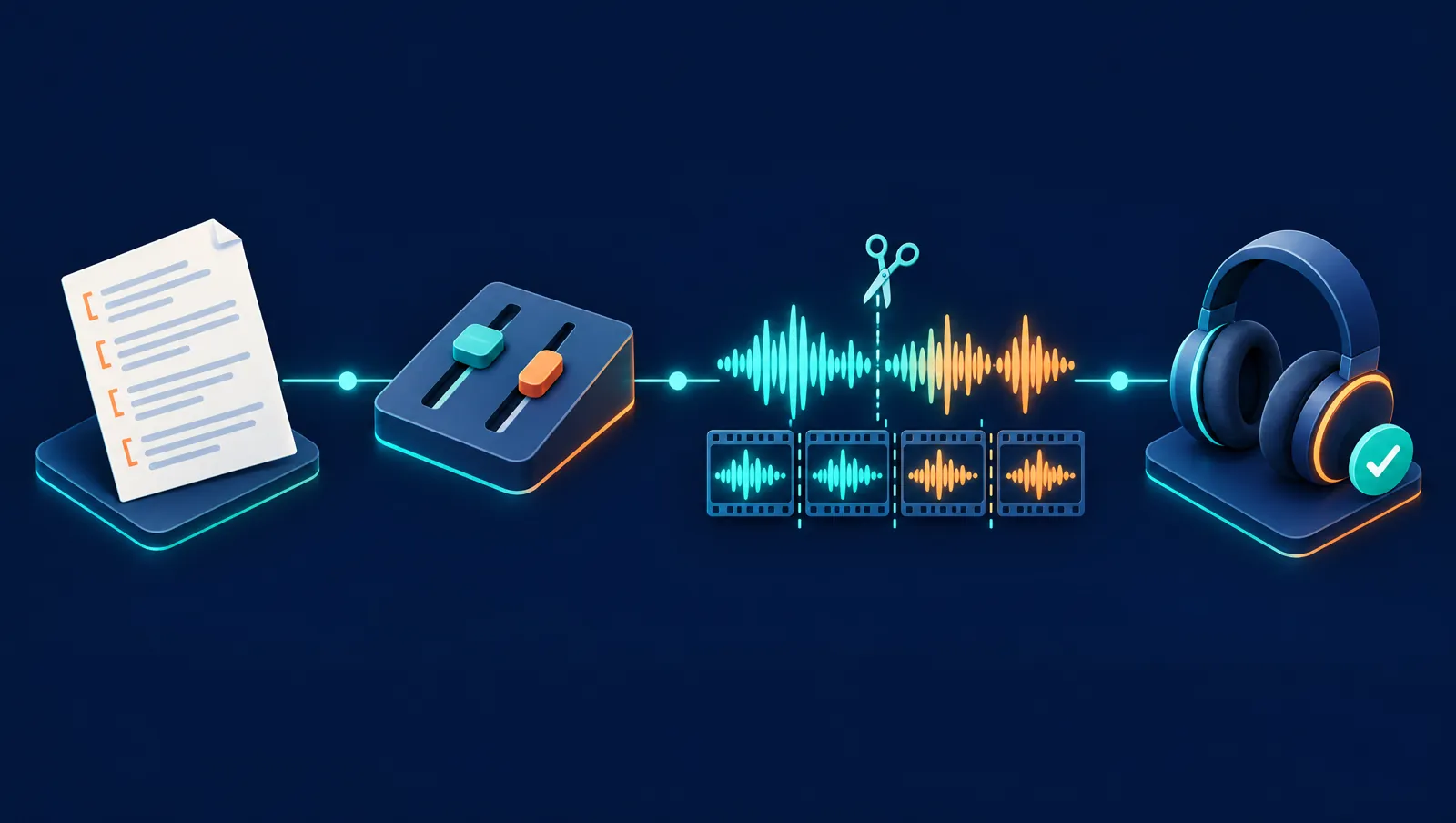
The order that works: voice, then words, then tags, then settings. Most weak output traces back to the first two.
1. Pick the voice for the performance you need
The prompting guide is blunt about this. A delivery that already exists in the voice’s training data, such as whispering or shouting, is easier for the model to reproduce. v4 can follow [whispering] on a voice that never whispered, but “it might be less reliable.” The docs sum it up in one line: “A meditative voice shouldn’t shout; a hyped voice won’t whisper convincingly.”
If you clone, the bar for source audio just went up. v4 reproduces the source more faithfully, and that includes the flaws: loudness jumps, plosives, room noise. ElevenLabs recommends clean audio in a single speaking style for now. Voice Design voices work, but the docs warn they “may not be as performative” on v4. For a final read, I would start from a library voice or a clean clone.
2. Write for the ear, because punctuation is direction now
With no Speed slider and no SSML, the text carries timing. Per the docs, ellipses add pauses and weight, capital letters add emphasis, and normal punctuation sets the rhythm. In dialogue, a dash marks an interruption and an ellipsis marks a trailing line.
It was a VERY long day... and nobody listened.
Wait. You sent it to the WHOLE company?
And in a two-voice scene:
Speaker 1: [cautiously] So I was thinking we could-
Speaker 2: [jumping in] Absolutely not.
Emotion also comes from context. “She said excitedly” or an exclamation mark shifts the delivery without any tag. The catch, from the best-practices page: narrative cues can get spoken aloud, so either keep them as part of the story or cut them in the edit.
Numbers are the other trap. Write dates, prices, phone numbers and units the way they should sound. If an LLM writes your scripts, ElevenLabs publishes a normalization prompt in its best practices (“$42.50” becomes “forty-two dollars and fifty cents”). The API also has apply_text_normalization (auto, on, off) and language_code if you need to force it.
3. Direct with audio tags like a voice director
Tags are free text in square brackets, placed where the delivery should change. They come in three flavors according to the Text to Dialogue docs: emotions and delivery ([sad], [whispering]), audio events ([applause], [leaves rustling]) and overall direction ([auctioneer]). The launch post adds examples like [said angrily in French accent] and [phone buzzing].
The single most useful tip in the official guide: v4 can generate sound effects too, so a vague tag can be read as a sound cue. Describe the voice instead. [low, gravelly voice] beats [gravelly]. This is the ElevenLabs voice-acting example, and it shows the style well:
[Low, steady voice, restrained urgency] Keep the lantern covered. If they see the light, they will know we crossed the river.

[Brief pause]

[Quietly, with controlled fear] I heard them at the bridge. Not soldiers. Something else.
A few habits that help:
- Put the tag right before or right after the words it should change. Morphic’s guide also suggests combining two when a moment needs both, like
[whispers] [sad]. TechCrunch reports v4 can follow stacked tags in sequence. - Use pause tags for timing:
[short pause]and[long pause]appear in ElevenLabs’ own tag list. - For pace, Morphic suggests
[slowly]or[rushed]as the replacement for the missing Speed slider. - Don’t tag every line. Save tags for turns in the performance.
Stuck? The Enhance button in the ElevenLabs UI runs an LLM that adds tags without changing your words, and the full prompt is published in the docs, so you can reuse it in your own pipeline. ElevenLabs admits tags are “not perfect yet.” Budget for retakes.
4. Settings: two sliders, used on purpose
Stability controls how much the delivery varies. Lower means more expressive and more varied between takes, higher means closer to a fixed baseline. The API default is 0.5. Similarity controls how closely the output sticks to the reference voice, with a default of 0.75. Higher values can cost some naturalness, and on a noisy clone they can pull the noise in too.
Start at the defaults. For an expressive character, drop Stability and generate a few takes. For e-learning or a narrator who must match across 40 files, raise it. If you need repeatable output, the seed parameter gives best-effort determinism. The docs are clear it is not guaranteed.
5. Long-form: chunk on purpose
eleven_v4 takes up to 10,000 characters per request, which is roughly ten minutes of audio. Dialogue is tighter: ElevenLabs recommends keeping all inputs[].text in a Text to Dialogue request at or below 2,000 characters for reliable generation. Longer requests can end early in streaming or fail validation.
So split scripts at scene or paragraph breaks, never mid-sentence. For continuity, the Create dialogue endpoint accepts previous_text and future_text (up to 100 characters each) and previous_request_ids / next_request_ids (up to three). The API reference flags these as “not supported by every model,” so test them on v4 before you rely on them. ElevenLabs does say request stitching is “significantly more reliable in Eleven v4.”
A minimal POST /v1/text-to-dialogue body in the documented shape:
{
  "model_id": "eleven_v4",
  "inputs": [
    { "text": "[nervously] So... did you read my draft?", "voice_id": "VOICE_A" },
    { "text": "[dry, quietly pleased] I did. Page three made me laugh.", "voice_id": "VOICE_B" }
  ],
  "settings": { "stability": 0.4, "similarity": 0.75 },
  "seed": 1234
}
Dialogue generation is nondeterministic, and the docs suggest generating several takes and picking the best. In the dashboard you get two free regenerations of identical content. ElevenLabs’ internal numbers say regenerating fixes roughly half of quality issues.
6. Pronunciation: inline IPA, then dictionaries
v4 reads IPA wrapped in forward slashes, no XML needed. The docs’ own example:
The term "/ˌbaɪoʊˈkemɪstri/" refers to the study of chemical processes.Include stress marks (ˈ and ˌ), wrap only the words that need it, and test with your chosen voice. For names and brand terms that repeat across a project, use a pronunciation dictionary. The API accepts up to three dictionary locators per request. Dictionary phoneme rules only work on eleven_v4, eleven_v3 and eleven_flash_v2, and if you need IPA or CMU in a language other than English, the docs say v4 is the model to use. PLS matching is case sensitive, so add both “Tomato” and “tomato.”
7. Multilingual: the accent change you need to know
This is the biggest behavior change. If the output language matches the voice’s source language, the accent is kept. If it doesn’t, v4 speaks the target language with a native accent instead of carrying the original over. Clone a Korean speaker, generate English, and you get fluent English, not Korean-accented English.
For dubbing and localization that is great. For a brand voice whose accent is the point, it is a regression. ElevenLabs calls it deliberate and says a toggle is only being researched, with no timeline. Accent tags like [strong French accent] can steer it, with mixed results. Morphic’s guide adds a tip I agree with: write the script in the target language yourself rather than asking the model to translate.
8. Real time with v4 Turbo
A few mechanics from the WebSocket docs that decide how snappy your agent feels:
- The server waits for roughly 40 characters and 8 words before it starts generating. Send
flushwhen a short reply (“Sure, one second.”) must play right away. - Turbo allows one registered voice per connection. For multi-voice scenes, use
eleven_v4on the dialogue socket (up to 10 voices) or open separate connections. - The connection closes after 20 seconds of silence unless you send
keep_alive. - Each open connection holds one dialogue session from a separate pool for as long as it stays open, so close sockets you are not using.
And normalize text before it reaches the voice. An LLM that writes “Dr.” and “14:30” will get read literally at the worst moment. If you are choosing which LLM writes those replies, my notes on routing jobs between Claude, GPT and Gemini apply here too.
Common mistakes with Eleven v4
- Pasting v3 scripts with SSML.
<break time="1.5s" />does nothing useful on v4. Swap it for punctuation or a pause tag. - Looking for the Speed slider. It is gone. Pace lives in the words and tags now.
- Vague tags.
[rain]may give you rain.[soft, tired voice]gives you a voice. - Fighting the voice. Asking a calm narrator for five
[shouting]lines is asking for artifacts. - Cloning from a noisy recording. v4 is accurate enough to clone the noise too.
- Assuming the accent carries over. It doesn’t, by design.
- Trusting one take. Plan for two or three.
A migration test before you switch
Jack Righteous’ creator write-up has the test plan I would copy: a script you already know, the same voice, one emotional line, one regenerated line checked for drift against approved audio, a longer passage, and the language you actually publish in. Zeniteq adds a sensible step: compare a multi-speaker scene, a long narration excerpt and regenerated lines against your approved v3 audio, using your real production clones rather than library demos.
If you have a Professional Voice Clone, fine-tune it for v4 first. In My Voices, hover over the voice and click the plus next to Eleven v4.
My take on ElevenLabs v4
In one line: v4 moves control from sliders into the script. Good news if you write. A slight shock if your workflow was “paste text, nudge Speed, export.” I would test the accent behavior and the WebSocket split before promising anyone a launch date. The rest looks like a clear step up on paper, and at launch pricing it costs little to check whether it holds for your own voices.
Sources
- ElevenLabs, Models overview: Eleven v4
- ElevenLabs, Models overview: Eleven v4 Turbo
- ElevenLabs, Eleven v4 capability page
- ElevenLabs, Best practices and Prompting Eleven v4
- ElevenLabs, Text to Dialogue
- ElevenLabs, Create dialogue API reference
- ElevenLabs, Text to Speech vs Text to Dialogue WebSockets
- ElevenLabs, Using pronunciation dictionaries
- ElevenLabs, Changelog, 28 September 2026
- ElevenLabs, Introducing Eleven v4 (launch post)
- ElevenLabs, API pricing
- TechCrunch, ElevenLabs’ new v4 speech model supports more expression control and 90 languages
- Morphic, Eleven v4 prompt guide
- Jack Righteous, Eleven v4 is here: what creators should test first
- Zeniteq, Eleven v4 brings voice cloning back, Turbo cuts delay
