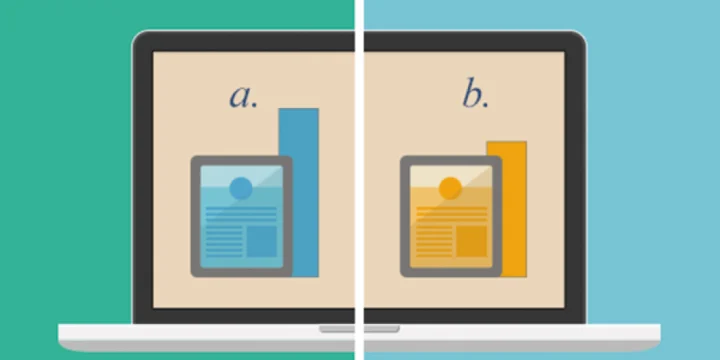
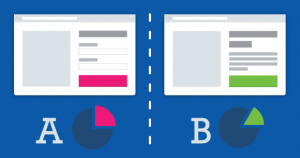
 Ecommerce firms try different content and design samples to lift conversion. To measure what wins they run tests, and A/B testing is one of the main ones.
An A/B test reveals how two or more conditions perform. You track the changes you care about, measure conversion, and adjust.
Where is A/B testing used?
It can serve many goals:
- Landing-page optimization: show different designs to different groups and keep the winner.
- Email marketing: send different templates to different segments and measure.
- Product, cart, and checkout pages: redesign around features users prefer.
- Ads and campaigns: serve different AdWords creatives and watch returns.
- Social content: post different pieces at different times and see which hours and formats win.
Our social media guides cover channel use in more detail. - Signup forms: change fields or steps and compare completion.
What kinds of changes can you test?
Small design tweaks are enough:
- Fonts and type sizes
- Landing-page openers and offer copy
- Image size and placement
- Colors
- Ad banner position and size
- Product color options on product pages
- How many products appear on a page
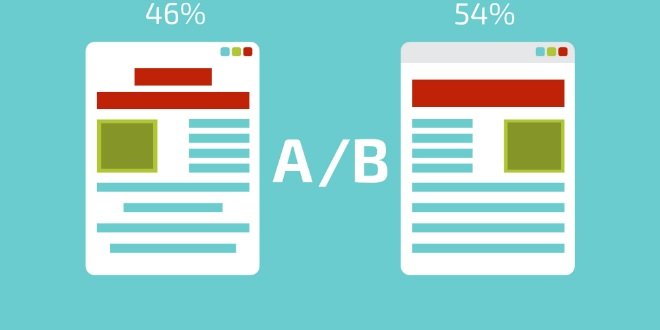
A/B testing tools
If you are light on engineering, use tools such as Unbounce, Optimizely, Vertster, Webtrends, Adobe Test&Target, and the WordPress plugin MaxA/B.
They let you edit pages and track conversions in one place.
This video walks through how Optimizely works in detail.
What should you watch while running A/B tests?
Best practice: each user should see only one variant, including on return visits. Seeing both muddies measurement. Dropping a cookie in the browser is a solid fix.
Another risk: aiming one variant at users and another at search engines. When those diverge, you get “cloaking,” and search engines may blacklist the site as trying to game rankings.
If you A/B an ad campaign in a fixed window, keep both the old and new formats live. Dropping the old one makes it hard to tell whether the new creative or the new campaign itself moved results.
