
Many people on Instagram have long complained about trolls and spam in comments. Accounts with large followings could return after a short break and find an ugly surprise waiting.
After saying in July that it would improve comment moderation, Instagram has taken a first big step with a “turn off commenting” control. It may not appear on every account yet; the rollout looks gradual.
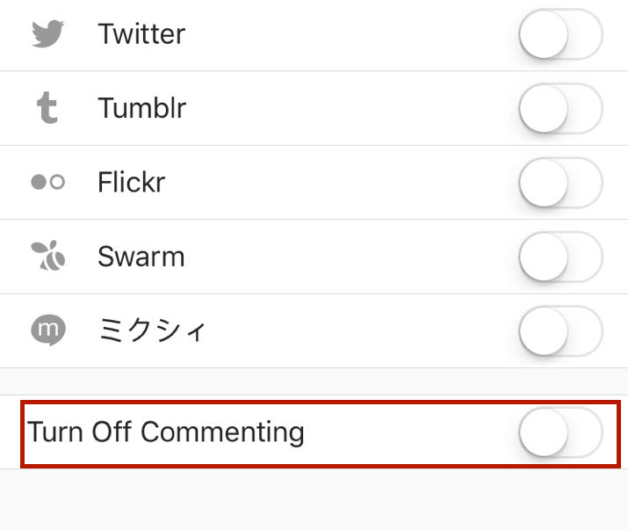
You can disable comments while uploading a photo, or afterward. When composing a post, use the toggle shown in the screenshot below. For a new or older post, open the “…” menu and turn comments off from Edit.
Being able to do this per photo also opens tactics like opening comments only during certain hours. It will not fix every moderation problem, but it gives creators a blunt tool when a thread goes toxic.